01
THE PHOTO STUDIO
Find your look.
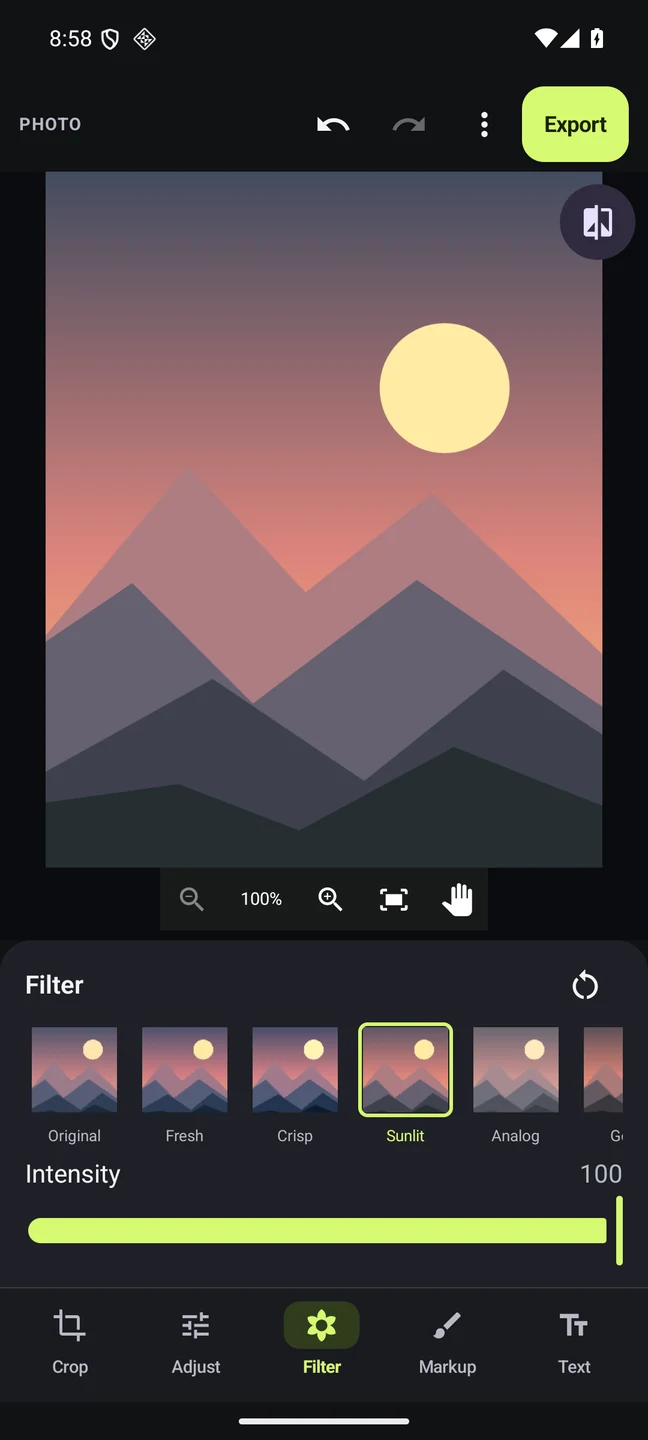
Crop, fine-tune, and play with 21 looks. Add your words, a little color, or that finishing touch.
Crop · Adjust · Filters · Text · Retouch
COMING SOON TO ANDROID
Turn the photos you love and the clips you capture into something that feels like you.
01 / YOUR CREATIVE SPACE
From a quick touch-up to a story worth sharing. Find your flow, one frame at a time.
THE PHOTO STUDIO
Crop, fine-tune, and play with 21 looks. Add your words, a little color, or that finishing touch.
Crop · Adjust · Filters · Text · Retouch
THE VIDEO STUDIO
Bring your clips together. Set the pace with music, add captions, and turn everyday moments into a story.
Trim · Timeline · Music · Captions · Speed
YOUR PROJECT LIBRARY
Save your progress, keep your favorites close, and pick up where inspiration left off.
Search · Favorites · Saved history · Backups
02 / TAKE A CLOSER LOOK
A peek inside Framivu, from your first photo to your next idea.
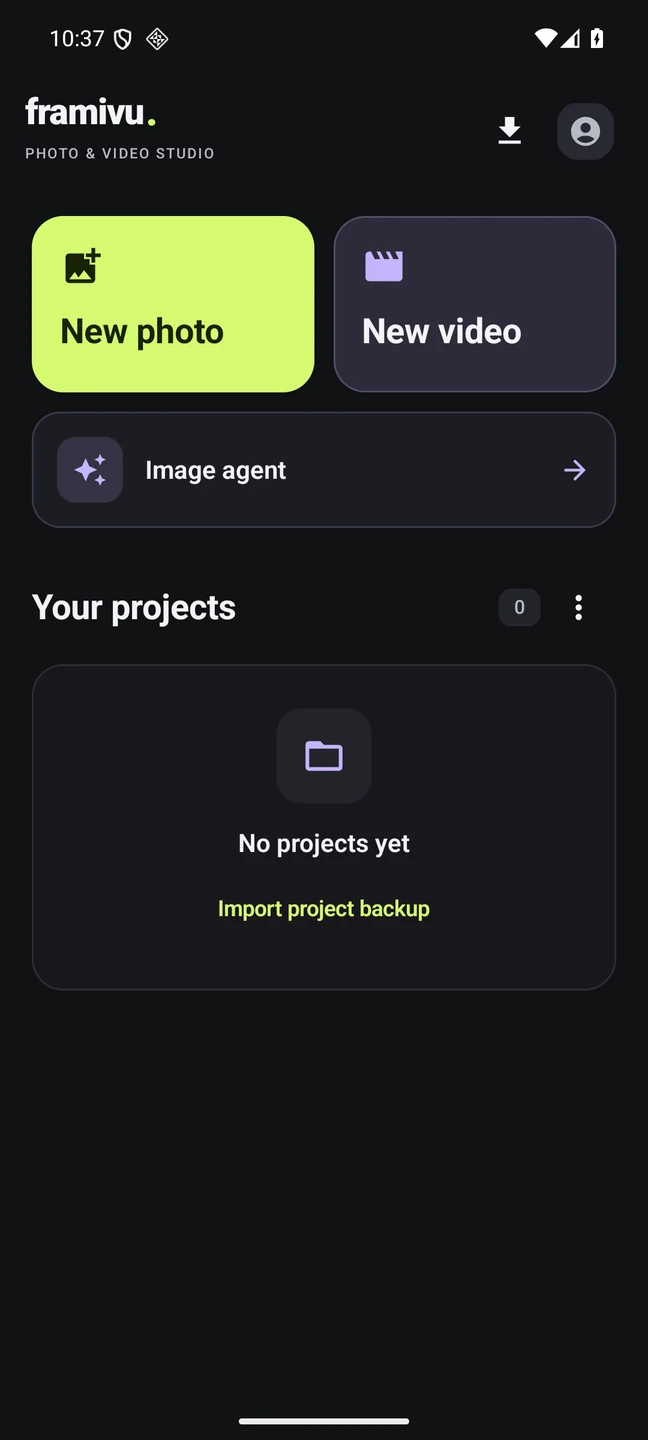
Real screenshots from preview versions. Tap to enlarge.A fresh photo. A new video. A place to begin.
Explore a look. Adjust it until it feels right.
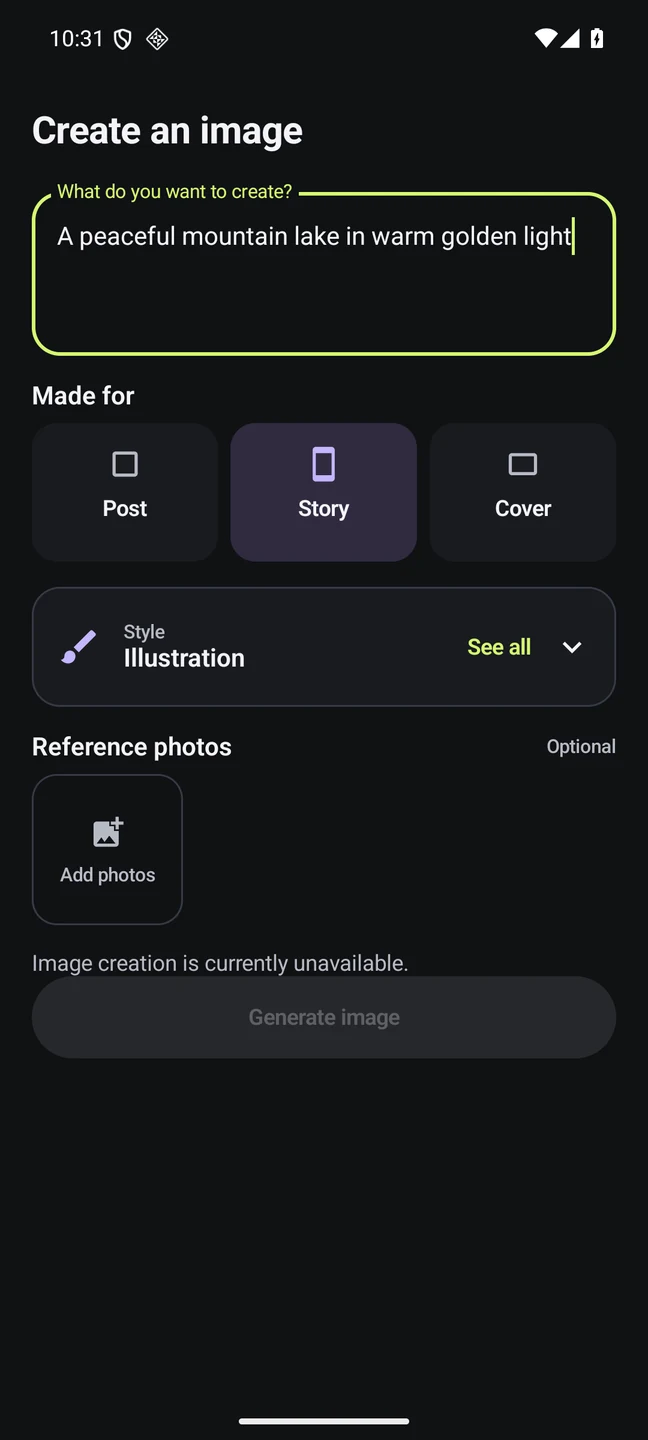
Image agent is in development. Stay curious.
The app is in development. Screens and feature availability may change before release.
03 / FROM MOMENT TO FINISHED
Keep the process simple. Give the details your attention.
A little help getting startedChoose a photo or bring videos and photos together in a timeline.
Find the right crop, shape the color, add words, or set your clips to music.
Save your project. Export your finished edit without an added Framivu watermark.
Your photos. Your edits. Your point of view.
Framivu exports without adding its own watermark, so the spotlight stays on what you made.
Framivu is coming soon to Android. The download link will appear here when it is ready.
The official download link will appear in the availability section.
Framivu is being built for Android phones running Android 10 or later. There is no iPhone version at this time. Video export options depend on your device’s capabilities.
Framivu does not add a watermark to your photo or video exports. In the photo editor, you can add your own watermark if you want to.
Editing creates a separate project and export. It does not overwrite your original files. Your project media and editing history stay on your device unless you choose to share or back them up.
The local photo and video editor supports guest use. Online account features are being developed separately. Local editing does not require live image generation.
Image agent is an image-creation feature in development. The preview lets you explore a written idea, a style, a format, and optional reference photos. Live generation is not publicly available, and launch details have not been announced.
YOUR NEXT CREATIVE SPACE
Framivu is coming soon to Android. The download link will appear here when it is ready.